Discovery & user flows
Who uses this, what they are trying to finish, and the shortest honest path to it — mapped before any screen is drawn.
Wireframes, prototypes and a reusable design system — designed against real data and real edge cases, so what ships resembles what was approved.
Design that has never met the database tends to fall apart on contact with it: the name that is 60 characters long, the table with 40 columns, the empty state nobody drew, the error nobody worded.
Because I build as well as design, the handover is not a wall. The design accounts for loading, empty, error and permission-denied states, and the component set maps to what gets implemented.
Who uses this, what they are trying to finish, and the shortest honest path to it — mapped before any screen is drawn.
Clickable Figma prototypes for the flows that matter, so stakeholders react to something real rather than to a description.
Type scale, colour tokens, spacing, and a component library that survives the fourth new feature without fragmenting.
Contrast that passes WCAG AA, keyboard paths that work, focus that is visible, and semantics screen readers can follow.
Both designed as first-class, driven by tokens rather than a filter thrown over the top.
Specs, states and assets in a form a developer can implement without a week of clarifying questions.
A working session to pin down what the system has to do, who touches it and what already exists. You get a written scope, an architecture sketch and a realistic estimate before anything is committed to.
Data model, API surface and screens, agreed before the build. Designing against real data and real edge cases is what stops the rebuild three weeks in.
Working software every week against a staging URL you can open, rather than a big reveal at the end. Feedback lands while it is still cheap to act on.
Deployment, DNS and TLS, database migration, backups, monitoring and an handover walkthrough. The system goes live on infrastructure you own.
Optional retainer: security patches, feature work, performance passes and a person who already knows the codebase when something breaks.
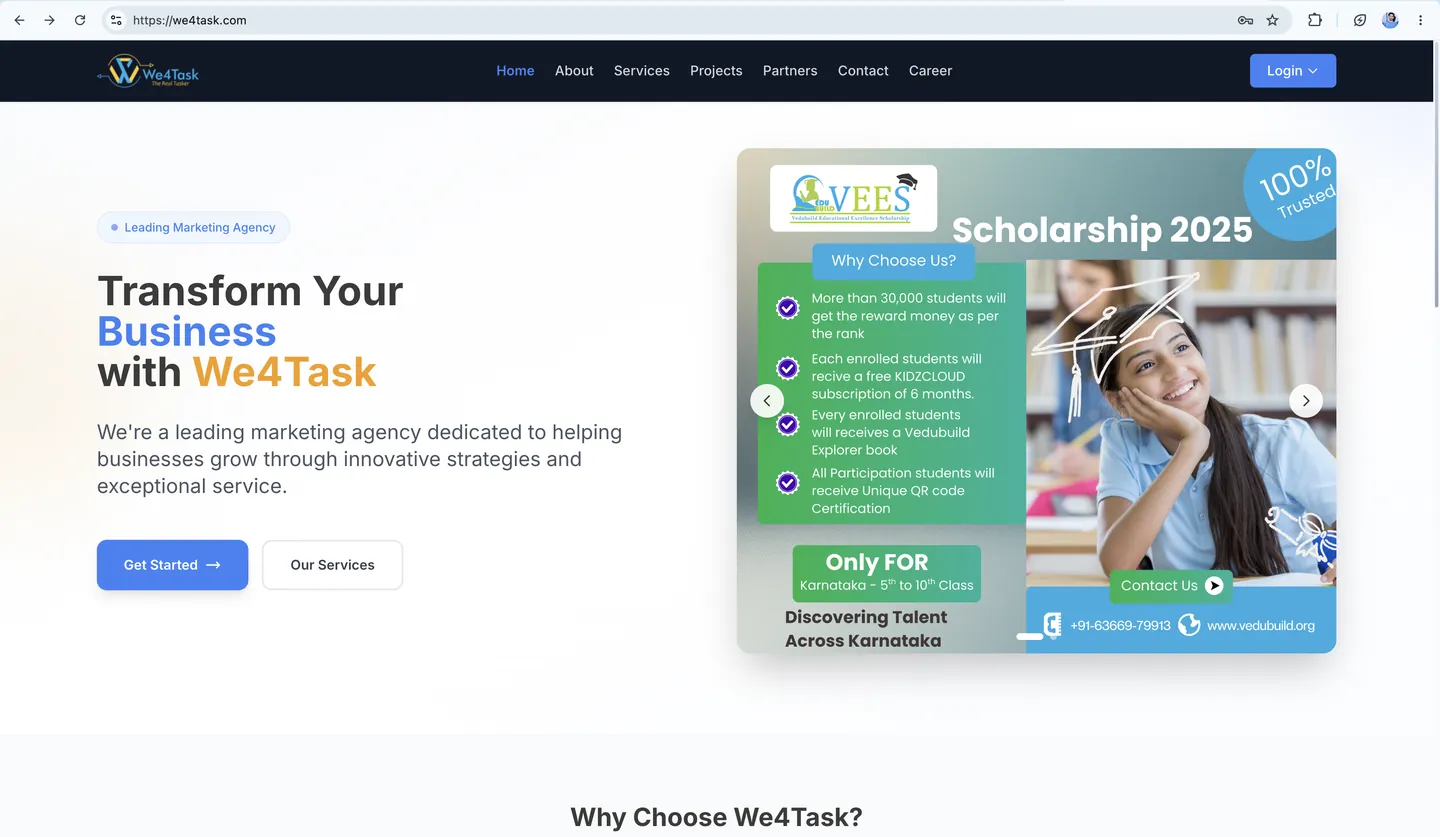
A customer relationship platform covering lead capture, pipeline stages, task assignment and team performance reporting.
Read the case study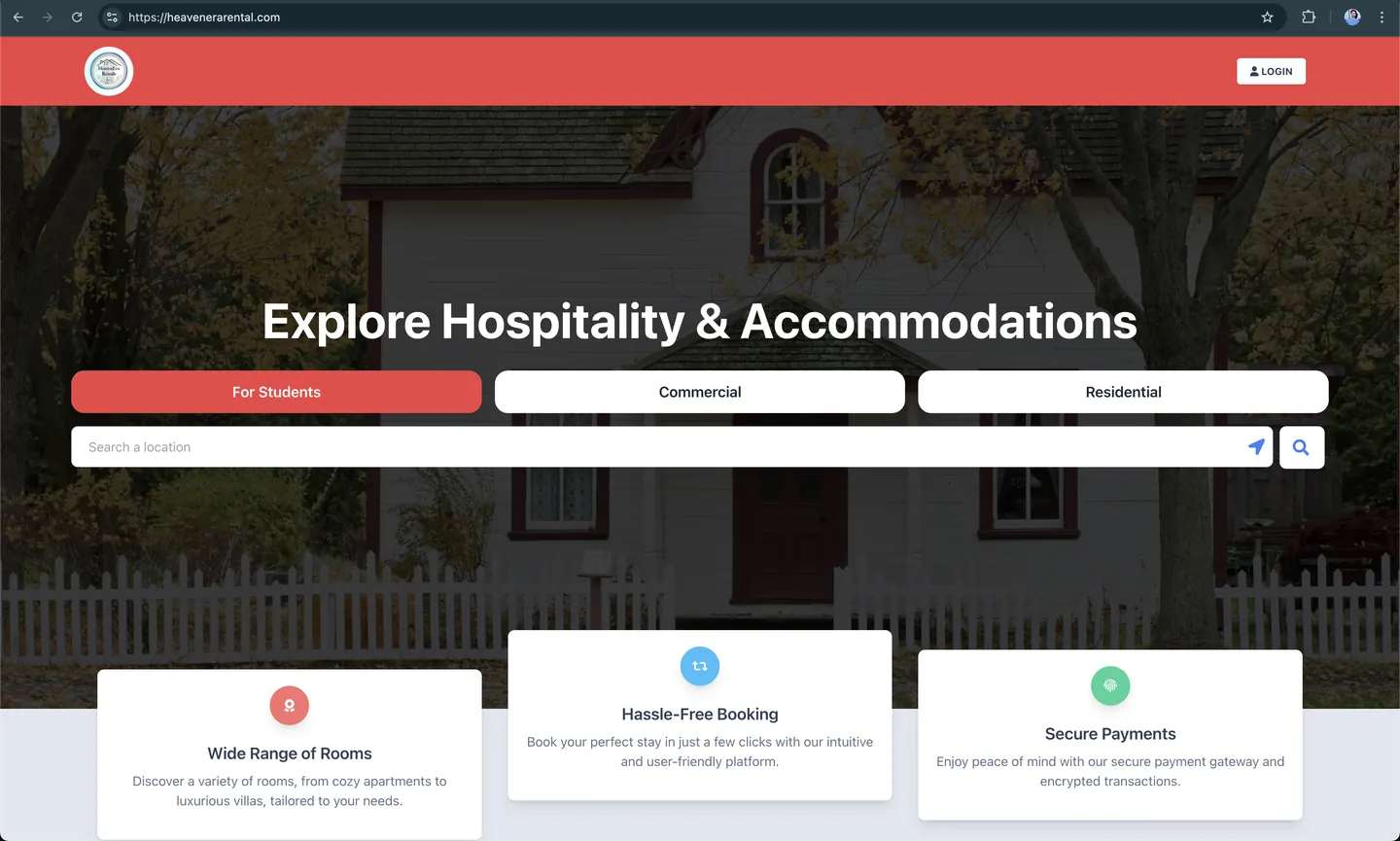
A property rental marketplace pairing a web application with a companion Android app — listings, search, bookings and payments.
Read the case studyYes — design-only engagements are fine, and the handover is built for another team to implement.
Often the highest-return work available. A redesign that keeps the data model and rebuilds the interface is usually faster and safer than a ground-up rewrite.
I do product interface design and will work within your brand. For identity work from scratch you want a brand designer, and I am happy to point you at one.
Tell me what you are trying to ship. You get an approach, a timeline and a realistic estimate — usually within a working day.